goome

Easy, Good, Simple UI.

See-through overlays, normal app windows, game mod menus and engine ui for any C program. One file, no dependencies, Linux, Windows, Mac.

curl -fsSL https://raw.githubusercontent.com/goome-ui/c-goome/main/get.sh | sh

goome 0.5.3, GPL-3.0. Windows has a PowerShell one on the versions page.

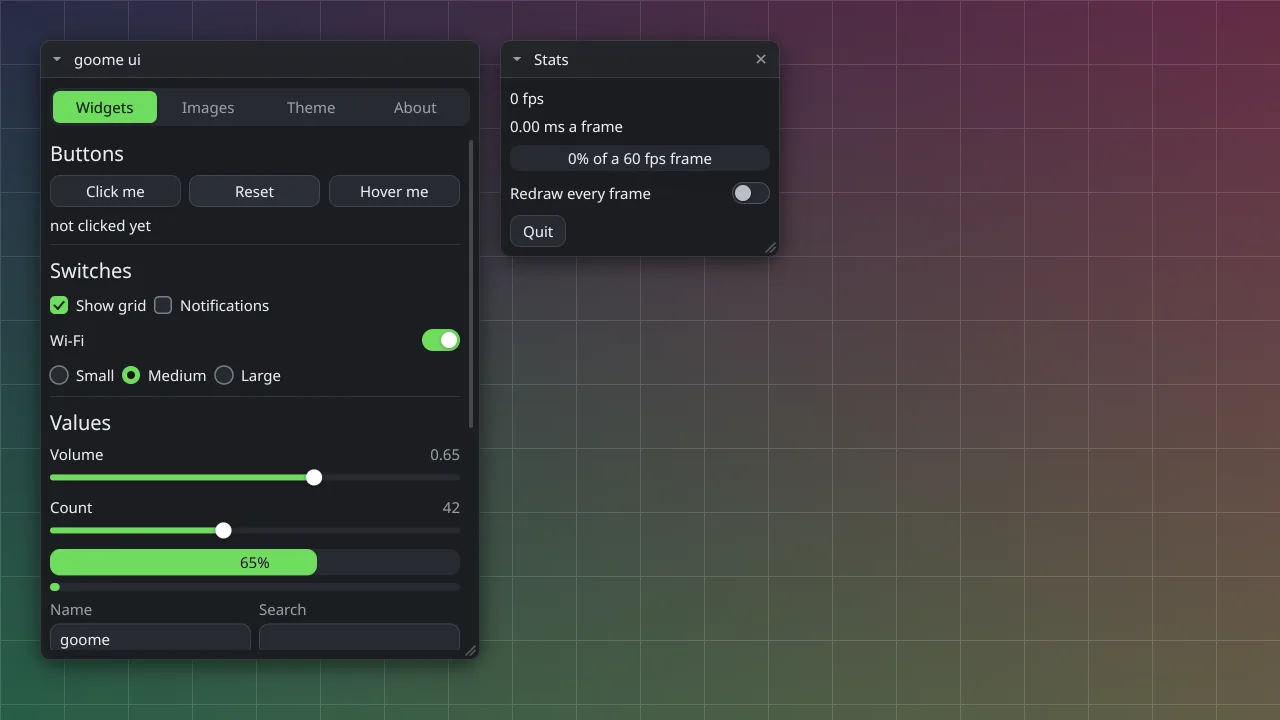
Two goome windows floating over a colourful desktop: a widgets window with buttons, switches and sliders, and a small stats window clicks land here and here everything else goes straight through to the app underneath
goome only catches the mouse where it drew something. Real screenshot, made with goome.

What it makes

The same ui kit and the same calls, whether you want a thing floating over a game or a normal app.

Overlays

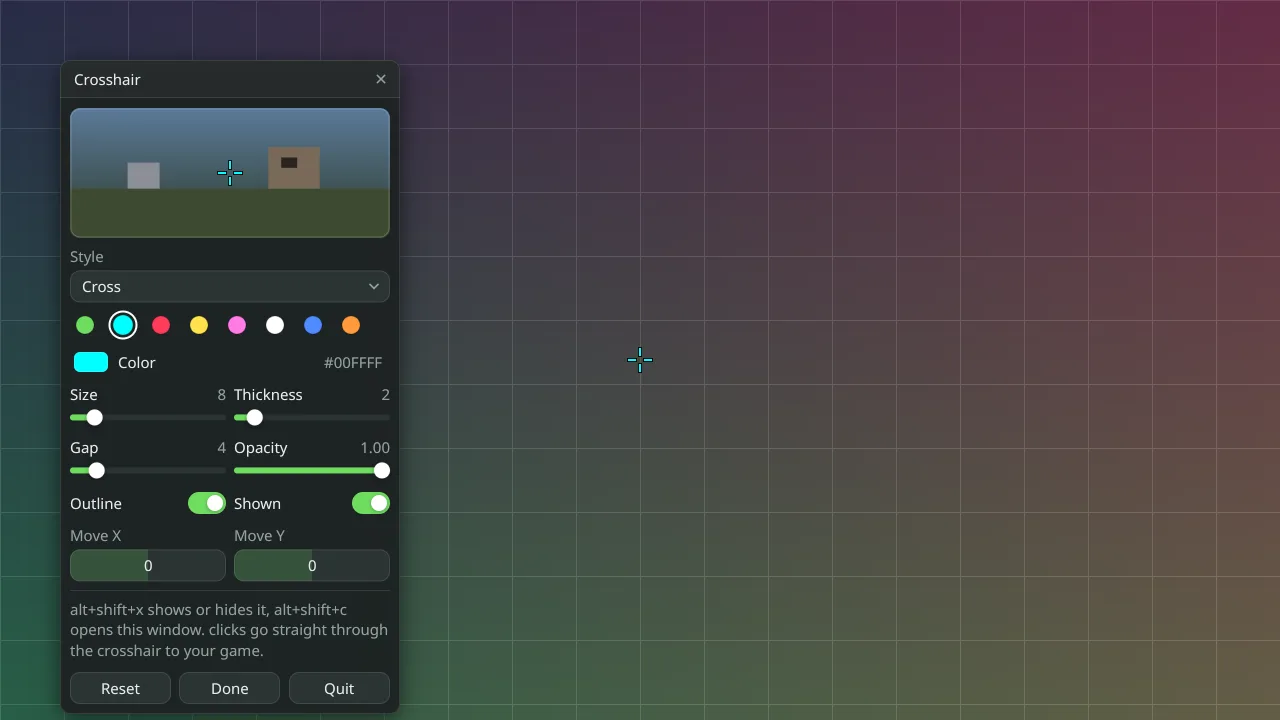
A window with no background that sits on top of everything. Clicks go straight through wherever you drew nothing, so the game under it never notices. HUDs, crosshairs, stream overlays, key displays, sticky notes. The same code works on X11, Wayland, Windows and macOS.
Overlay mode · apps to download

A crosshair settings window with a preview, colour swatches, sliders and switches, over a gridded desktop

Normal app windows

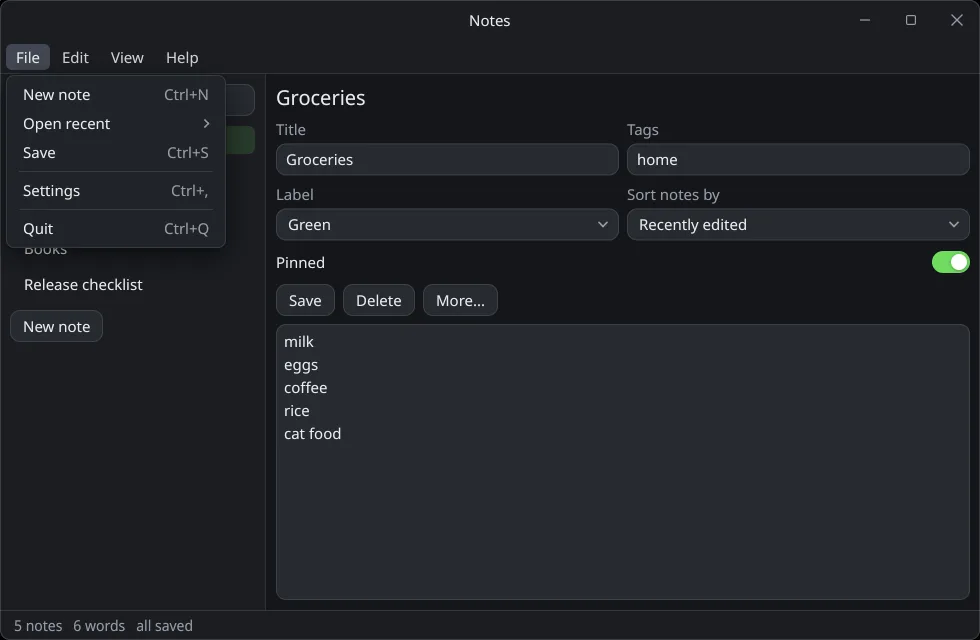
A resizable window with menus, modals, tables, trees, plots, drag and drop and a text editor, drawn by the same kit. No GTK or Qt, no webview. It can run in a browser tab too, the demos below are goome apps built to WebAssembly.

Window mode · App mode and menus

A notes app with a File menu open, a title field, dropdowns, a pin switch and a text box

Mod menus and engine ui

goome can live inside a game the way Dear ImGui does. Renderer backends for DX9, DX11, DX12, OpenGL, Vulkan and Metal, packages for Unity, Minecraft, Godot and plain native DLL mods. Offscreen mode hands your engine the pixels if you would rather draw them yourself.

How mods work · Offscreen mode

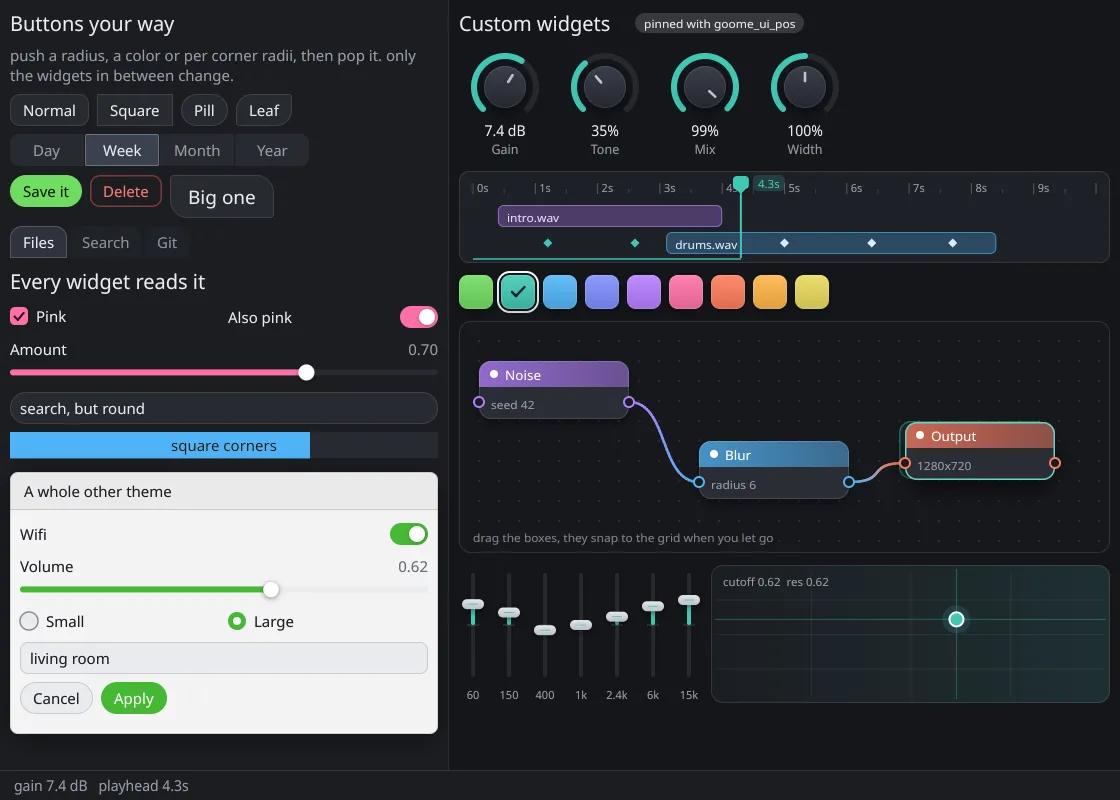
Custom widgets made with goome: knobs, a timeline, a node graph, faders and styled buttons

Install it

Every language gets the same library. Only packages that are really published are listed as installs, the rest say where to get them.

LanguageInstallGuide
C0.5.3curl -fsSL https://raw.githubusercontent.com/goome-ui/c-goome/main/get.sh | shGetting started in C
C#0.5.3dotnet add package GoomeSharpGetting started in C#
Python0.5.3pip install goomeGetting started in Python
Java0.5.3io.github.goome-ui:goome:0.5.3Getting started in Java
Rust0.5.3cargo add goomeGetting started in Rust
Node0.5.3npm install https://github.com/goome-ui/node-goome/releases/download/v0.5.3/goome-0.5.3.tgzGetting started in Node
Go0.5.3go get github.com/goome-ui/[email protected]Getting started in Go
Zig0.5.3zig fetch --save git+https://github.com/goome-ui/zig-goome#v0.5.3Getting started in Zig
Lua0.5.3luarocks install https://github.com/goome-ui/lua-goome/releases/download/v0.5.3/goome-0.5.3-1.src.rockGetting started in Lua
Godot0.5.3Unzip godot-goome-0.5.3.zip into your projectGetting started in Godot
UnityPackage Manager, add from git URL https://github.com/goome-ui/csharp-goome.git?path=/unity/com.goome-ui.goomeGetting started in Unity

Want a project that already builds? pipx install goome-cli then goome new my-app --lang python (templates). There is a VS Code extension, a JetBrains plugin and an OBS plugin too. One exact version instead of the newest: Versions.

Try it right here

These are real goome programs built to WebAssembly, about 300 KB each. Nothing loads until you ask.

Open full page

Would rather drag widgets around than write them? The builder runs real goome in your tab and gives you the code in C, C#, Python, Java, Rust, Node, Go, Zig, Lua or GDScript. More on the try page.

Is it the right one for you

Probably not always, and the compare page says so. goome is a few weeks old, GPL-3.0, has no docking and hardly anyone has written libraries for it yet. Dear ImGui has years on it and Qt has a designer and tested screen readers. Electron has npm.

What goome is built for is the see-through overlay with per region click-through, and getting overlays, normal windows and offscreen drawing out of one file without linking anything.

Read the compare page

A hello world on Linux, stripped

  • microui18 KB
  • Clay62 KB
  • Nuklear126 KB
  • Dear ImGui394 KB
  • LVGL426 KB
  • goome584 KB
  • egui3.1 MB

The goome number includes the window code, fonts, the software rasterizer, IME and accessibility. The small ones are a command list and nothing else. What is in each number. Measured in GitHub Actions on 2026-11-17.

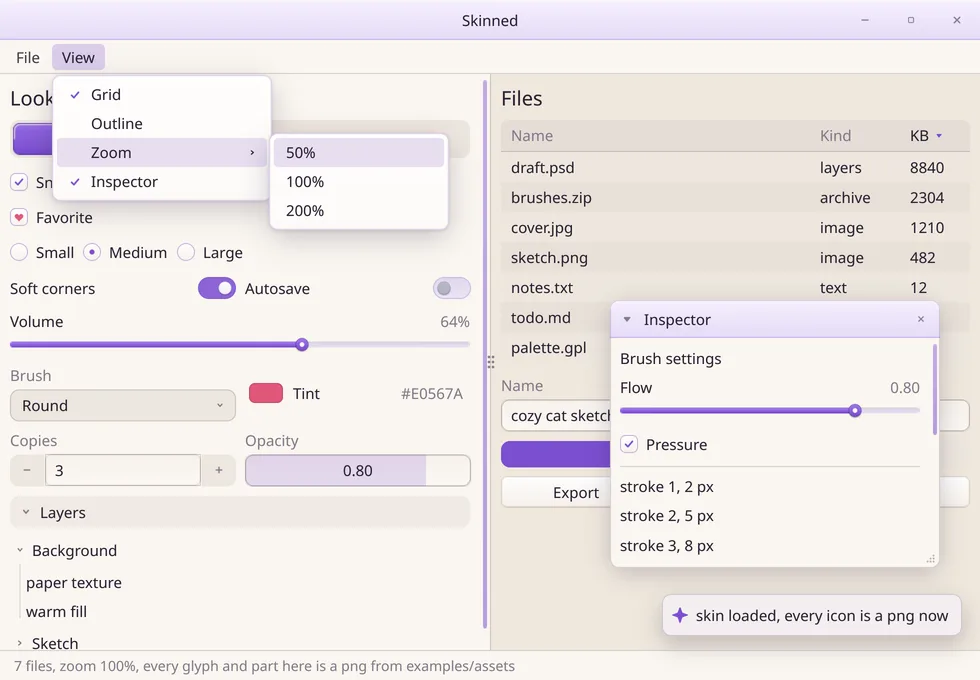
A light themed goome app with a skin loaded, using custom icons and a purple accent

Theme galleries are coming

goome themes are plain json files, so people can make them and swap them. A place to browse and share them is on the way. Until then the docs show how to make one and the builder has a theme tab.

What is planned